We connect the contact, start the music on the phone, and nothing comes out of the speakers. On the Citroën C3, this situation often arises after changing smartphones or updating the system. The Bluetooth connection between the phone and the original car radio relies on precise pairing, and each generation of C3 manages this protocol differently. This guide details the concrete steps to pair a device, as well as the real blockages that classic tutorials do not address.
Bluetooth Instability on Citroën C3: The Firmware Problem That No One Fixes First
Before adjusting the phone settings, we check the software version of the car radio. On C3 models equipped with the SMEG+ system, recently deployed firmware updates have caused automatic reconnection malfunctions. Specialized forums, particularly Planète-Citroën, report an increase in complaints on this specific issue.
The typical symptom: the phone appears in the list of paired devices, but automatic reconnection fails every time the car is started. We have to manually restart the pairing, which becomes annoying on a daily basis.
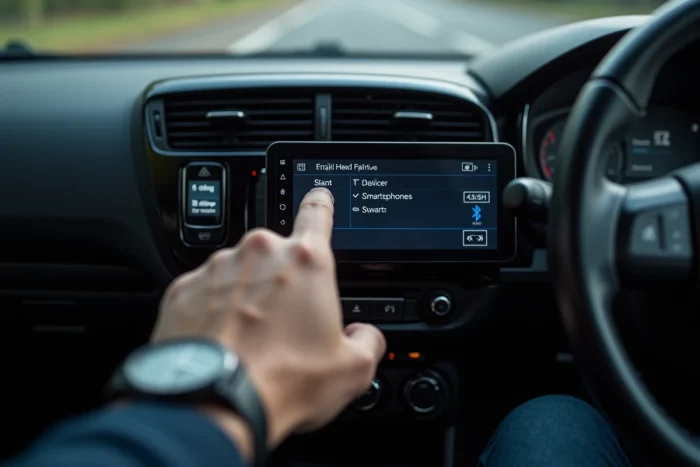
To check the firmware version, access the “Settings” menu and then “System” on the touchscreen. If an update is available via the Citroën website or at a dealership, it often fixes this type of bug. In the meantime, removing the device from the Bluetooth list of the car radio and then re-pairing it from scratch remains the most reliable solution. For a detailed procedure, a guide dedicated to the Bluetooth connection on Citroën C3 car radios outlines each screen step by step.
Pairing an Android or iPhone Smartphone with the Citroën C3 Car Radio
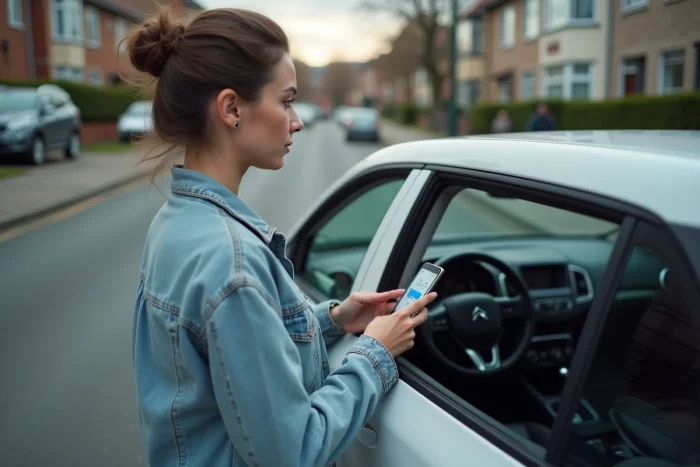
The procedure varies depending on whether the car radio has a touchscreen (C3 III, C3 Aircross) or physical buttons (C3 I and II). In both cases, the phone’s Bluetooth must be activated and in visible mode before interacting with the car radio.
On Touchscreen (C3 III and Aircross)
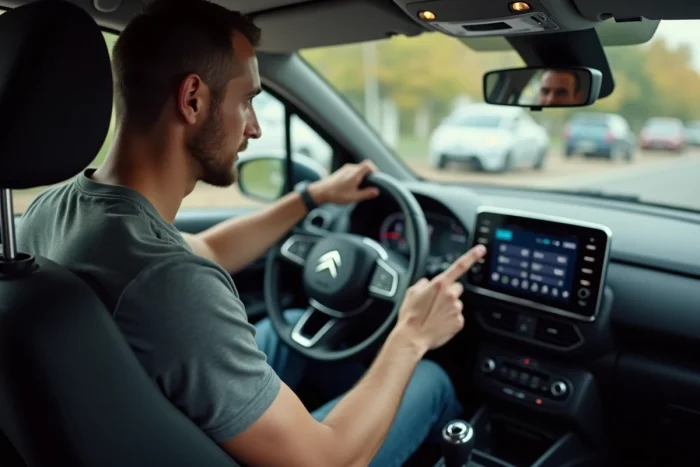
- On the home screen, tap “Phone” then “Bluetooth,” and select “Device Search.” The car radio scans for nearby devices for about thirty seconds.
- Select the name of the smartphone from the list. A pairing code appears on both screens: confirm the code on both the phone AND the car radio to complete the pairing.
- Once the pairing is confirmed, allow sharing of contacts and call history if prompted by the phone. Without this permission, the hands-free kit works but does not display the names of contacts.
On Button Car Radio (C3 I and II, before 2016)
Press and hold the “TEL” or “MENU” button for a few seconds to activate pairing mode. The car radio displays a name (often “Citroën” or “RD4”) on the small screen. Search for this name from the phone’s Bluetooth settings, then enter the displayed PIN code, usually “0000” or “1234”.
On these older models, the Bluetooth memory is limited to a few devices. If pairing fails, first delete any old phones registered in the car radio’s memory before restarting the procedure.
5G Interference and Bluetooth Audio Quality on Citroën C3
A less documented problem affects drivers in densely populated urban areas. Since the massive rollout of 5G, feedback on the Citroën Club France forum has reported a degradation in Bluetooth audio quality, with micro-cuts or crackling sound during calls.
The likely cause: 5G frequencies around 3.5 GHz can create interference with the Bluetooth signal (2.4 GHz) when the vehicle’s antenna is poorly positioned. On the C3, repositioning the smartphone away from the dashboard reduces these interferences. Some drivers place the phone in the central console tray or in a holder mounted on the side air vent, which is enough to stabilize the connection.
Feedback on this issue varies depending on the density of the local 5G network and the model of smartphone used.
Aftermarket Bluetooth Adapter for Citroën C3 2002-2010: A Practical Alternative
On first and second generation C3s, the original Bluetooth (when available) suffers from noticeable audio latency and only manages one device at a time. Aftermarket kits like Yatour connect to the CD changer port at the back of the car radio and provide better Bluetooth connectivity.
Installation requires removing the car radio with appropriate extraction keys. Then connect the kit’s cable to the free ISO connector, and position the included microphone near the ceiling light or sun visor. Reassembly takes about twenty minutes, including cable management.
The main advantage of these adapters: multi-point management that allows two phones to connect simultaneously. Audio latency is also reduced compared to the original Bluetooth, which is especially noticeable during music streaming. To activate the kit, select the “CD changer” or “AUX” source on the car radio, depending on the installed model.
Checks to Make When Bluetooth Pairing Refuses to Work
When everything seems correct but the connection does not establish, review these points in order:
- The phone’s airplane mode must be turned off. On some Android models, Bluetooth remains off even after disabling airplane mode: manually reactivate it.
- The car radio’s memory is full. Delete all registered devices, restart the car radio (turn off the ignition, wait ten seconds, turn the ignition back on), then restart the pairing.
- The phone’s Bluetooth profile is incompatible. Citroën C3 car radios use HFP (hands-free) and A2DP (audio) profiles. A phone that does not support A2DP will not stream music, even if it connects for calls.
- The vehicle’s battery is low. Insufficient voltage can prevent the car radio’s Bluetooth module from functioning correctly, especially on C3s with Start&Stop systems.
Bluetooth on the Citroën C3 works reliably once pairing is properly done and the firmware is up to date. On older models, an aftermarket adapter transforms the audio experience without replacing the original car radio, which remains the most economical solution to keep a vehicle connected on a daily basis.